In this blog post we will explore the important and commonly used log files and their locations in VCF9 environment. Logs are essential for troubleshooting any failure during the initial deployment or during the day2 tasks and daily operations as well.
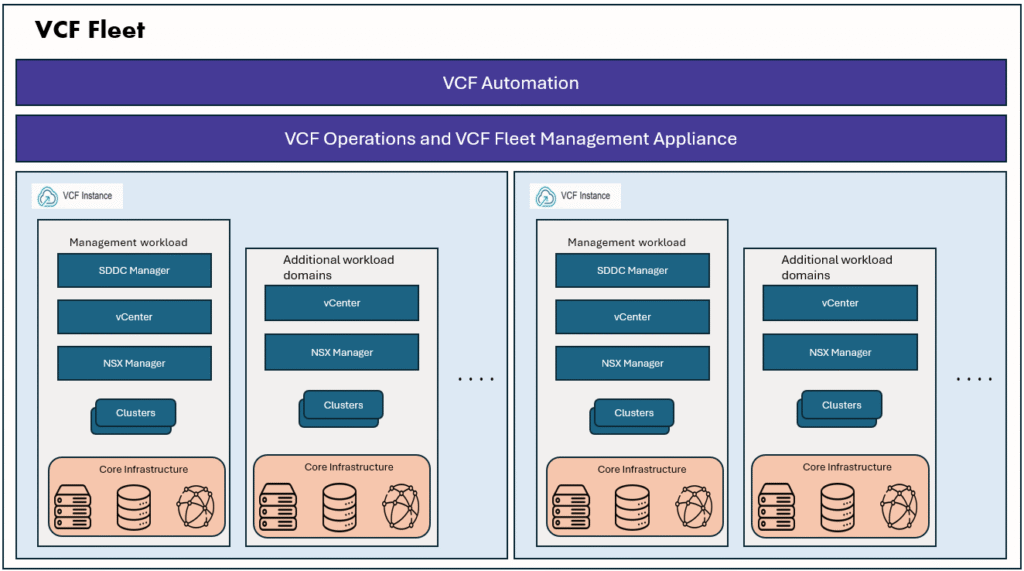
VCF installer is the new appliance to deploy VCF Fleet and VCF instances.
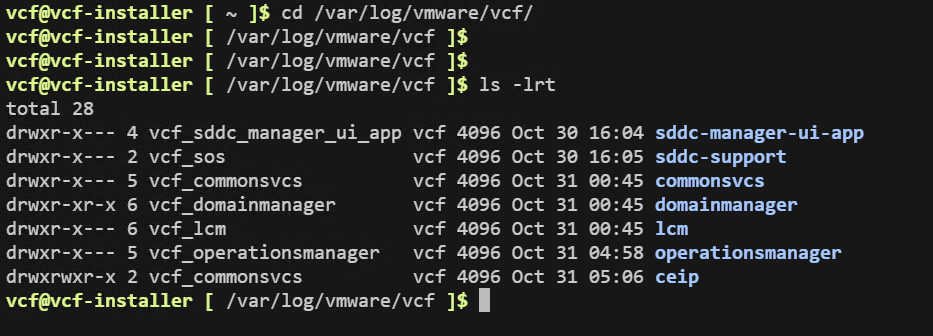
VCF Installer all important logs are located in this directory /var/log/vmware/vcf/
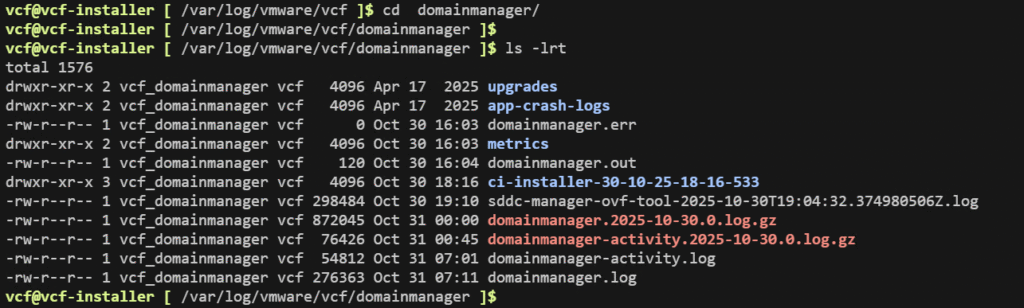
When you are deploying a new VCF Fleet or deploying a new VCF instance to existing fleet, all the installation events/tasks can be monitored in domainmanager logs.
vCenter deployment in logs
In VCF9 deployment, the first task is vCenter deployment.
From the domainmanager logs we can check that it is connecting to first ESXi host and bootstraping VSAN and invoking OVFtool to deploy VCSA OVA.

we can see it generated OVFtool parameters config file and initiated OVFtool command.
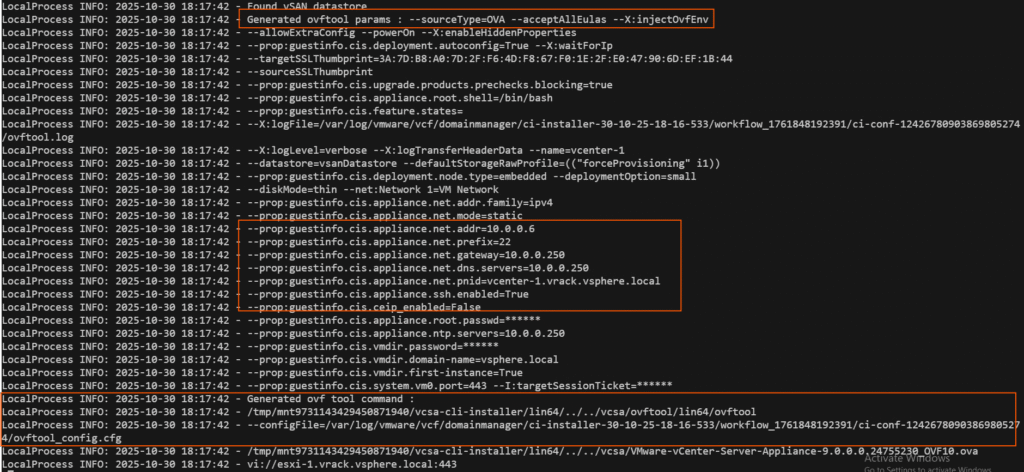
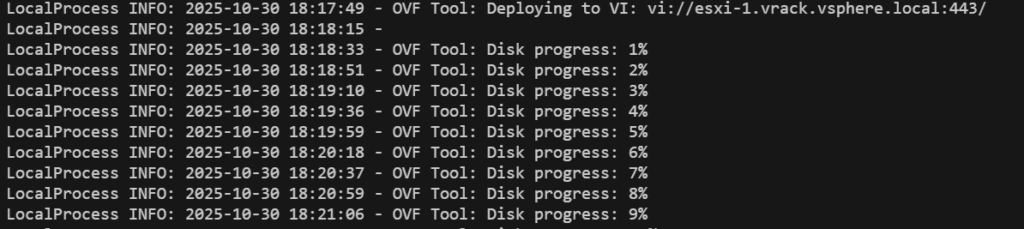
Nowe we can see VCSA OVA deployment started
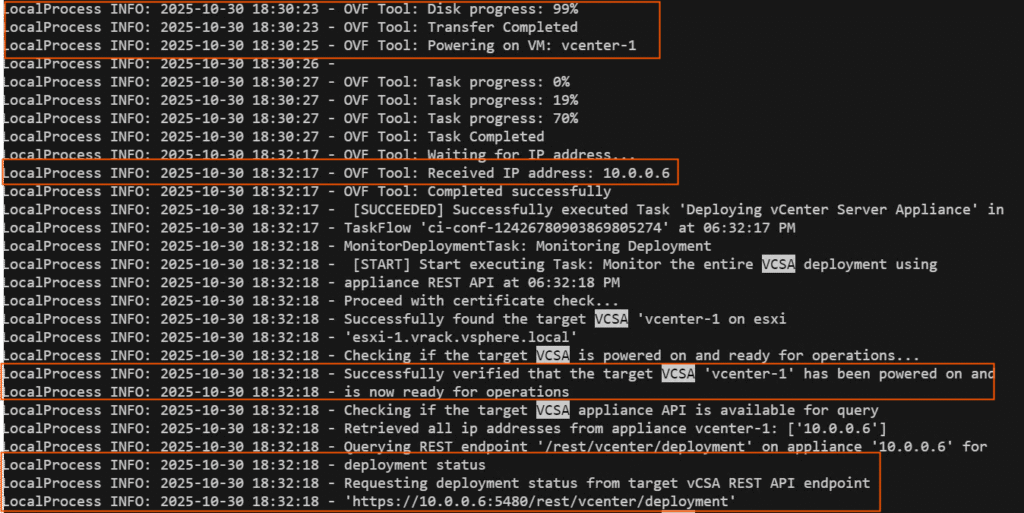
Finally, we will see the VCSA OVA deployment completed, and IP is configured correctly, and it is available on the first ESXi host. and it will fetch the stage1 and stage2 deployment status from VCSA VAMI page (5480 page). we can also track this by navigating to a new browser tab and hit https://vcenter-ipaddress:5480/ enter root password, you will be able to monitor the vCenter deployment process in GUI.
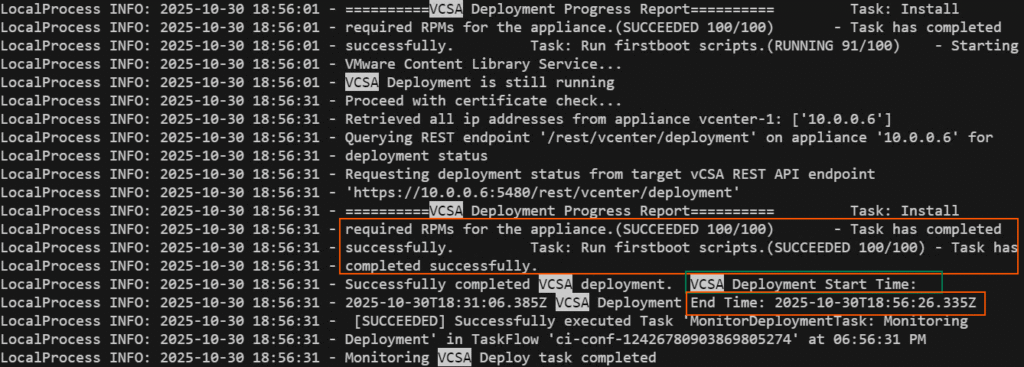
Eventually you will see the deployment report as below, you will be able to see that installed the required RPMs and completed running firstboot scripts. You can also see the start time and end time of the VCSA deployment.
Next, we can see that it executed vLCM image cluster creation.
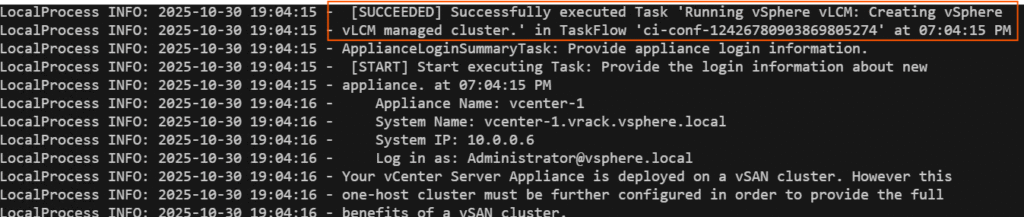
After VCSA deployment is completed, it will do post validations and update known-host configurations etc. Then it will proceed to SDDC Manager deployment.
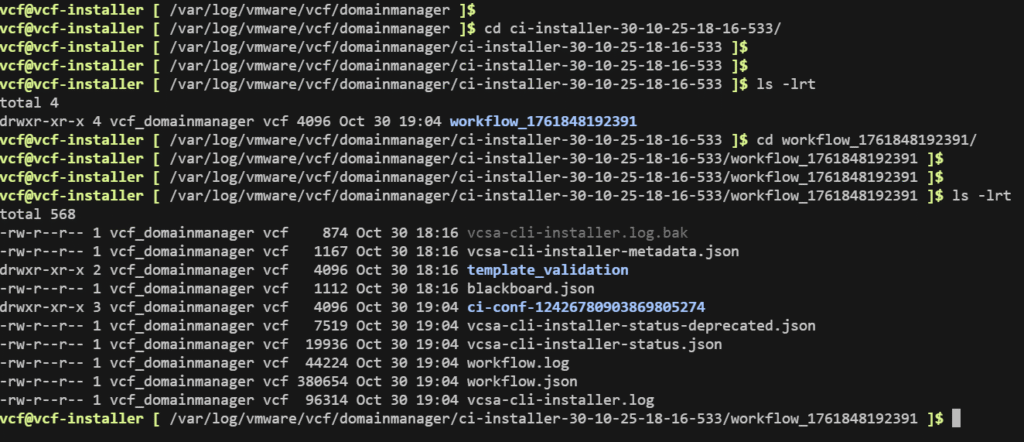
Additionally, vCenter installation logs can be observed in this location as well.
SDDC Manager deployment
It starts the SDDC Manager deployment, first it gets the input specifications for SDDC manager deployment and deploy the SDDC Manager VM on first ESXi host. At this stage, vCenter is already up and running so, VCF installer connects to vCenter, and it asks vCenter to deploy SDDC Manager VM with given input specifications.

and it will keep the SDDC Manager deployment logs to a separate log file as it indicates below. and it also change the FTT value to 0 as there is only one ESXi host at this stage.

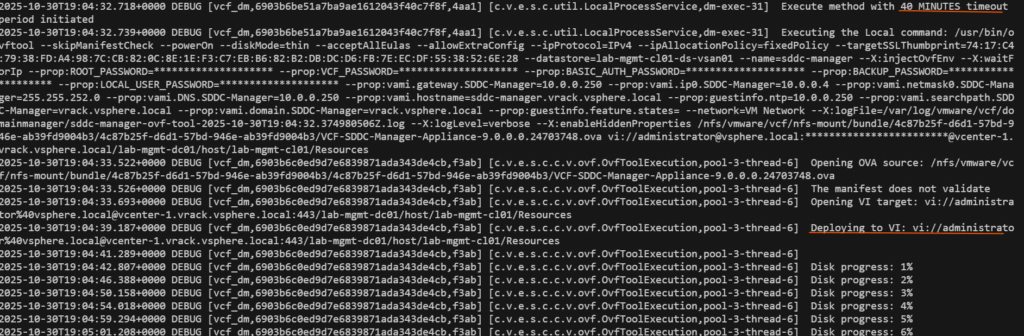
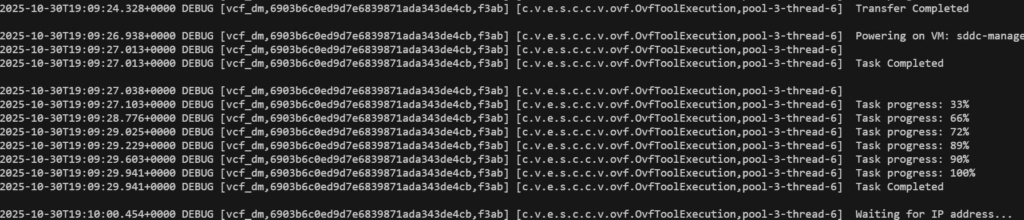
Next it will verify if the SDDC manager is up and its services are up or not

it will wait for SDDC Manager services to be up, from below we can see sddc manager services like lcm, domainmanager, commonsvcs, operationsmanager are up and got valid response.

Next it will copy the base-install images

Then it will pass the input specification and start initializing SDDC, this is when the management domain will be deployed, and remaining hosts will be added to cluster and NSX will be deployed and configured.
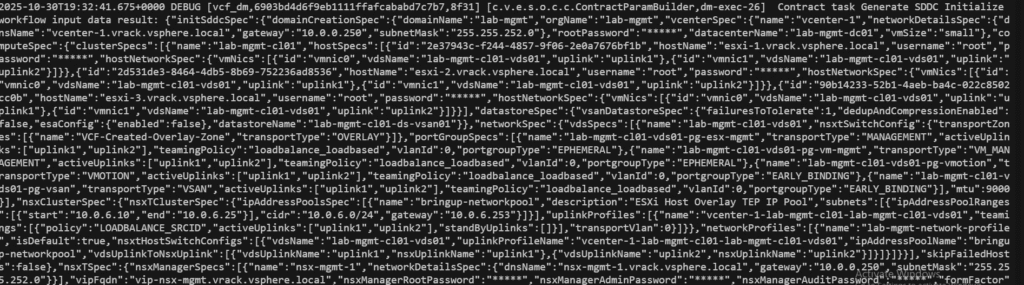
After few seconds, if we open a new browser tab and type the sddc mnager FQDN, we will be able to see that SDDC manager initialize task is there in task list.
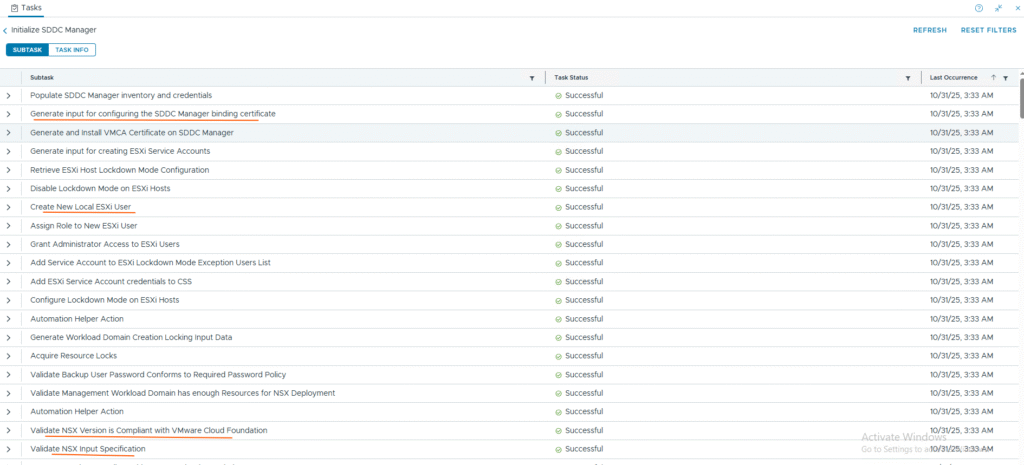

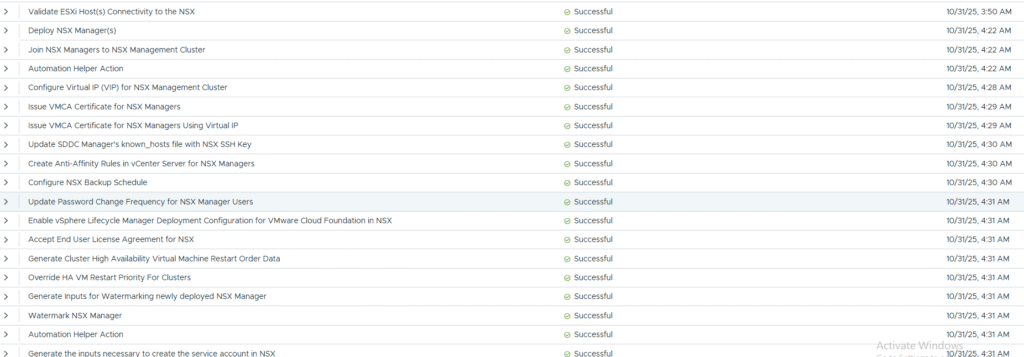
All the tasks at this stage are actually being handled by the sddc manager itself not the VCF installer. if the VCF installer running on the ESXi host that is going to be one of the hosts in VCF Management domain, then at this stage VCF installer will flip its role into SDDC Manager.
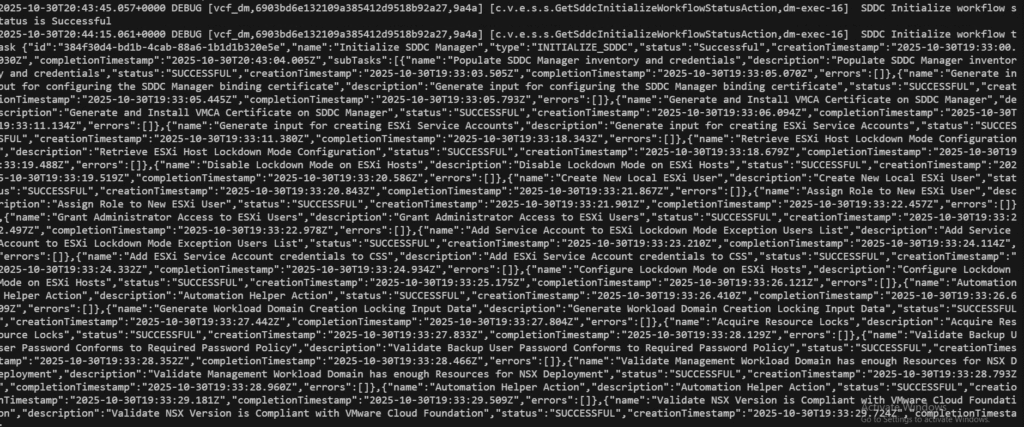
once all tasks for SDDC Initialize are completed, we will see something like below:
Next it will start deploying VCF Fleet manager appliance (the new Aria LCM)

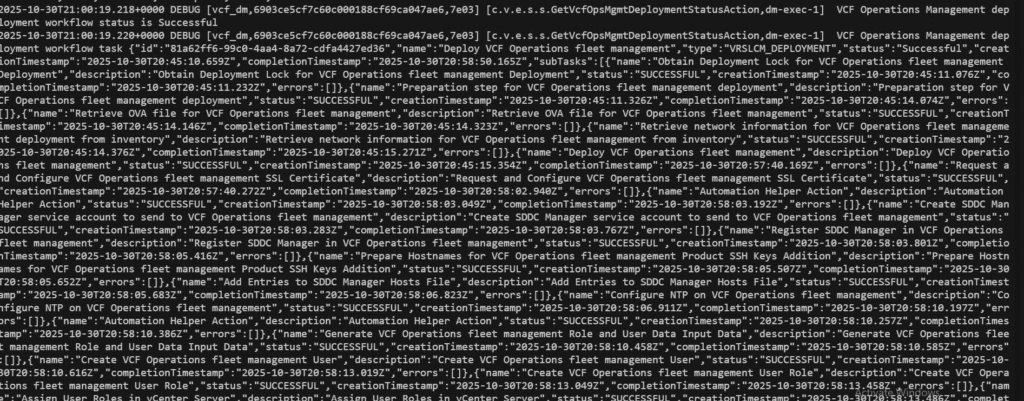
Once the fleet management appliance is deployed, it adds it to NSX firewall exclusion list.

Next it will do binary source mapping, update locker passwords etc in Fleet management then prepare to deploy VCF operations appliance, VCF Operations cloud proxy
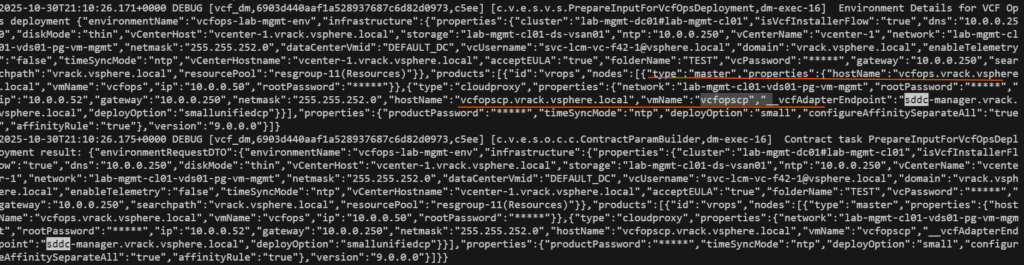

At this stage, vcf installer asked the Fleet manager appliance to create the environment and request submitted to it.

Once the VCF Ops and VCF Ops collector (cloud proxy) deployment completed success, with this VCF installer do final post validations and update the deployment status as successful.
Important log files and locations:
On VCF installer
fo complete deployment status –> /var/log/vmware/vcf/domainmanager/domainmanager.log
for sddc manager deployment –>
/var/log/vmware/vcf/domainmanager/sddc-manager-ovf-tool-<datetimestamp>.log
for vcenter installation –>
/var/log/vmware/vcf/domainmanager/ci-installer-<datetimestamp>/workflow_<id>/vcsa-cli-installer.log
Thats it for this post. Thank you for reading till last.