In Previous blogs we discussed about VCF Automation basics, Provider portal management, Organization (Tenant) portal management.
- Part 1 – VCF9 Automation for a Cloud-Like Experience
- Part 2 – VCF Automation: Step by step guide to setup Provider Management
- Part 3 – VCF Automation: Step by step guide to setup Organization management
In this blog, we will do a quick and short overview of publishing templates, VM images to catalog, and also we will check differences between project user and project advanced user.
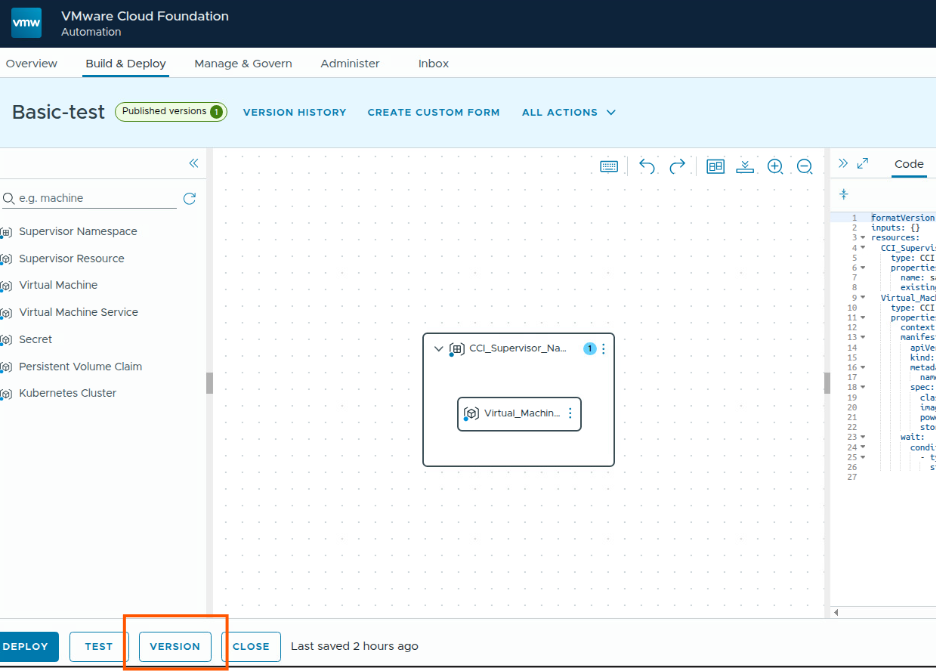
In previous blog we already created a blueprint “Basic-test”, we will now publish it to catalog.
Go to the template, click on Version button.
Then fill the details and select publish to catalog checkbox
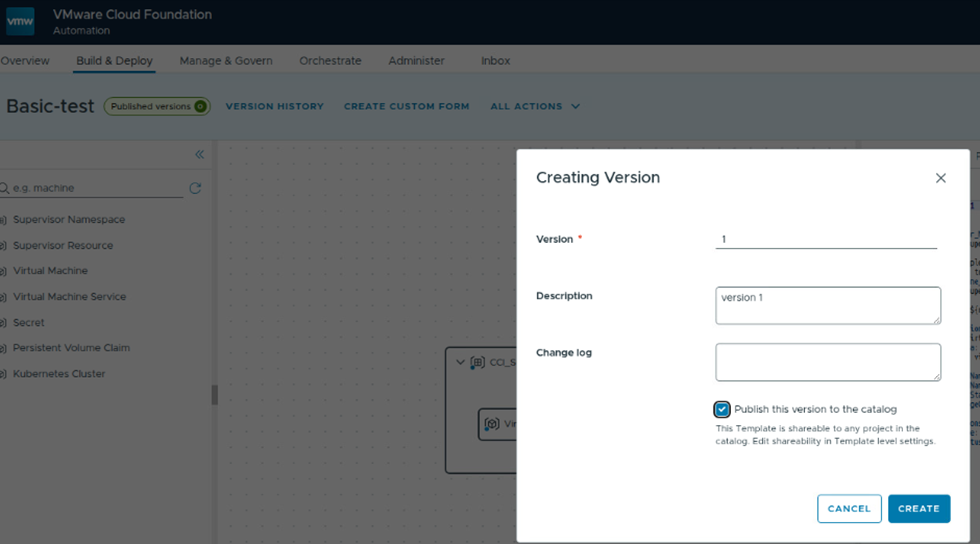
Then this will be available in catalog items.
Next we will upload a OVF/OVA Image file and publish it to catalog. To upload files to the project, local content library should be available, we have created this in our last blog.
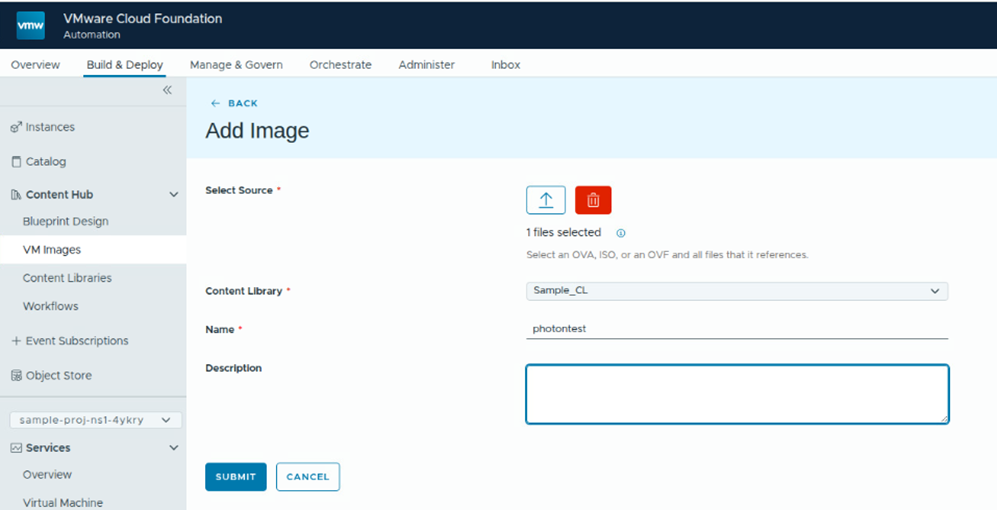
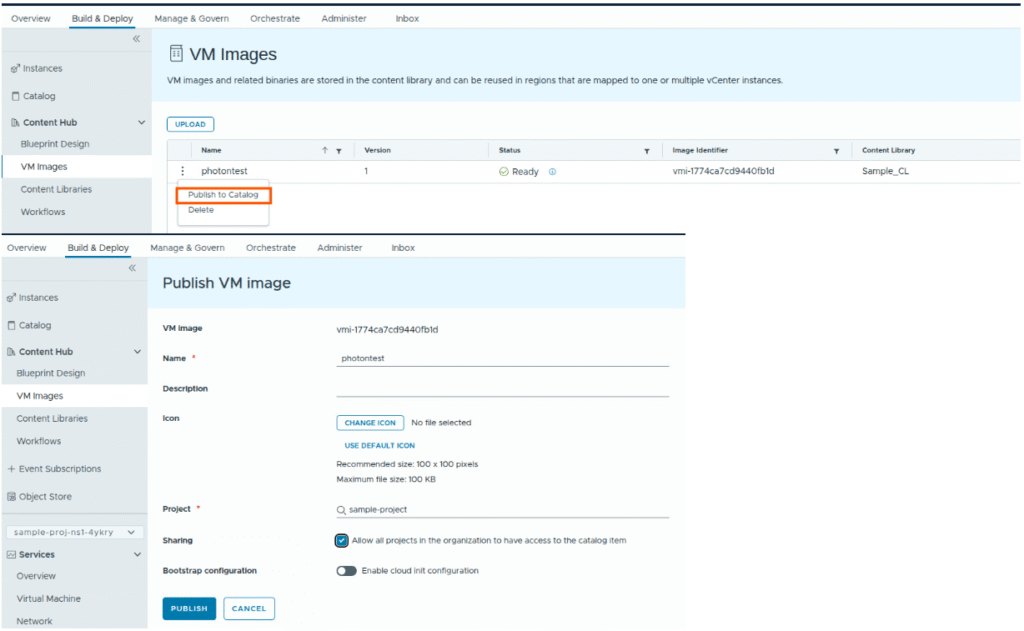
Once upload finished, we can publish it to catalog items.
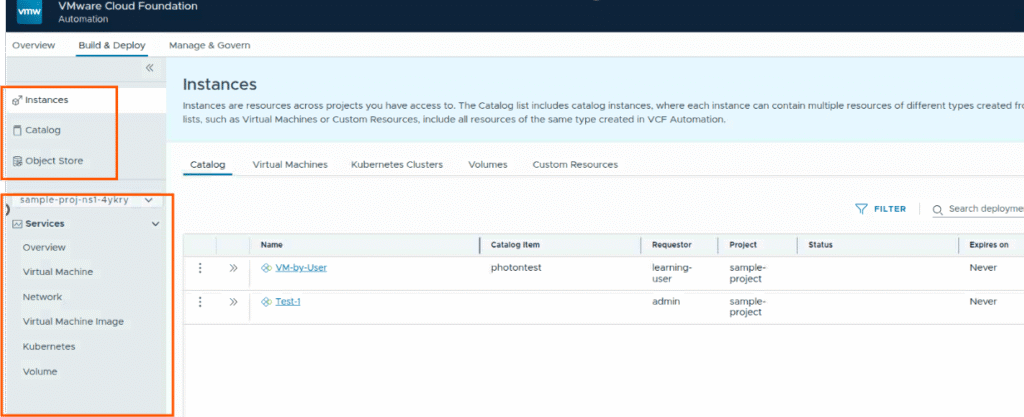
Now lets check the catalog items. We can see our photontest VM image, and Basic-test template.
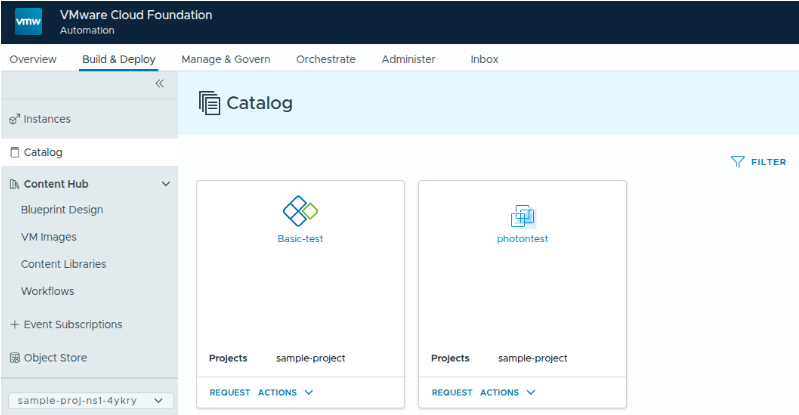
Now lets try to login as project-user and and request to deploy a VM.
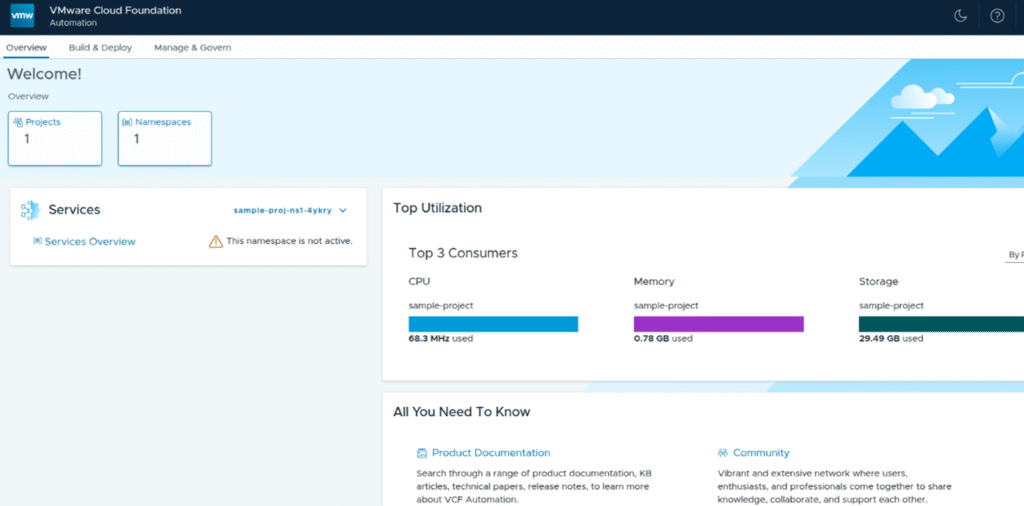
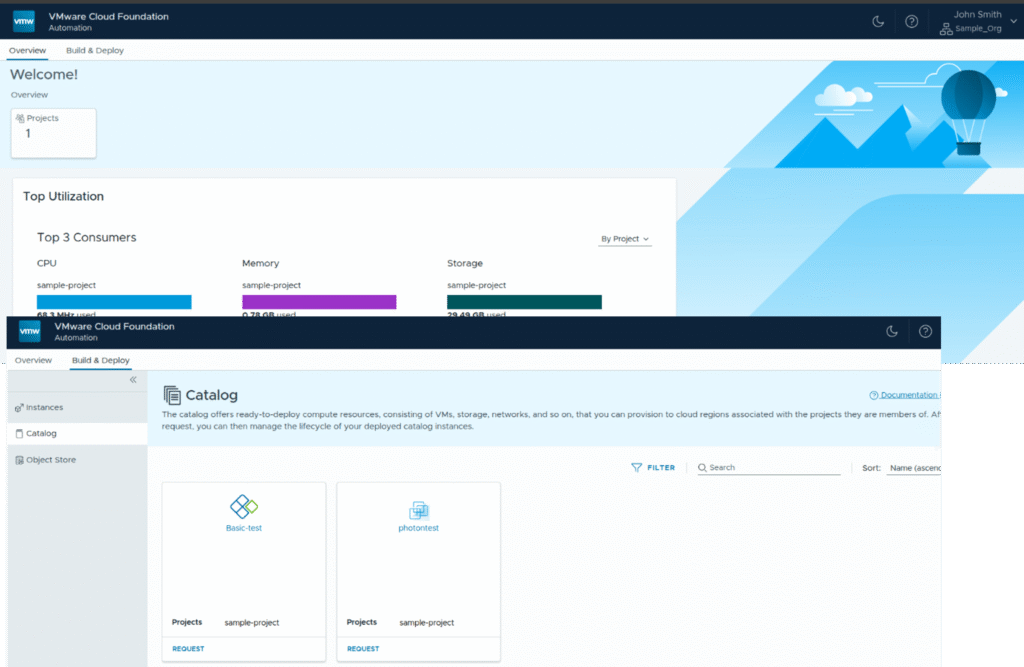
As project-user role, the user will have access to only build and deploy section and can see the project for which the user was given access to.
project-users will not have access to IaaS services or namespaces.
Project user can request the VM deployment request from template or VM image which are accessible in the catalog items.
Next we will login as project-advanced user role, with this role, user will have access to namespaces, IaaS services so this user will be able to request VMs or other items which are available in catalog and he can also create VMs, vSphere Pods, VKS clusters from IaaS console.